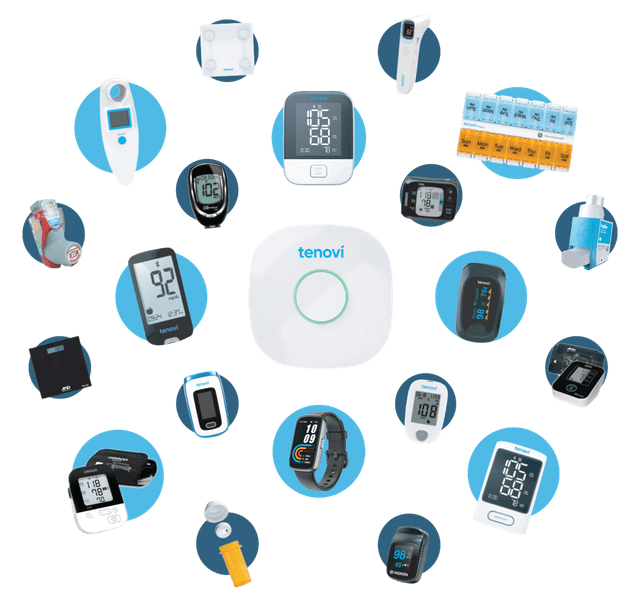
A patient takes a reading. For Rosa, that is her blood pressure, at the kitchen table.
It works the same at home, with a caregiver, or typed in by staff.
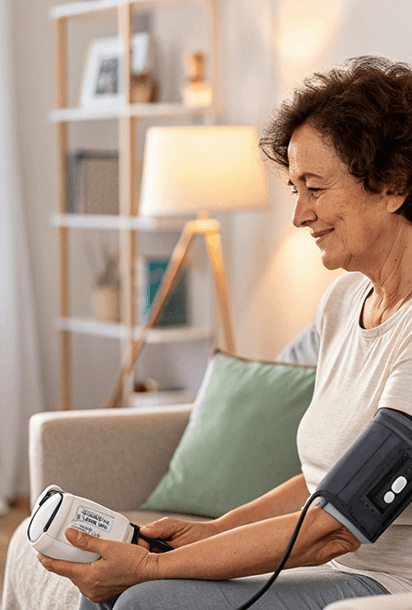
Rosa's reading
124/79
captured just now
At home · a cellular device, no wifi, no app
With a caregiver · the CCN app and a shared device
Anywhere · typed in manually by staff
How it works
What happens
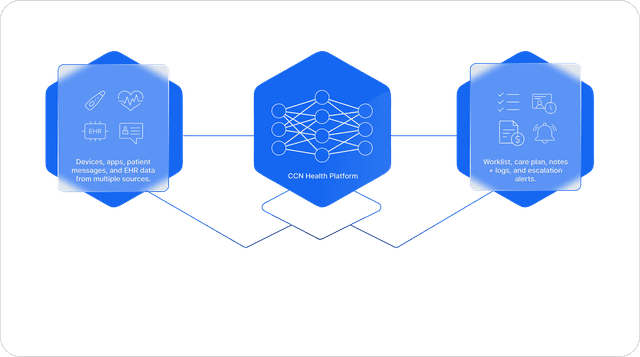
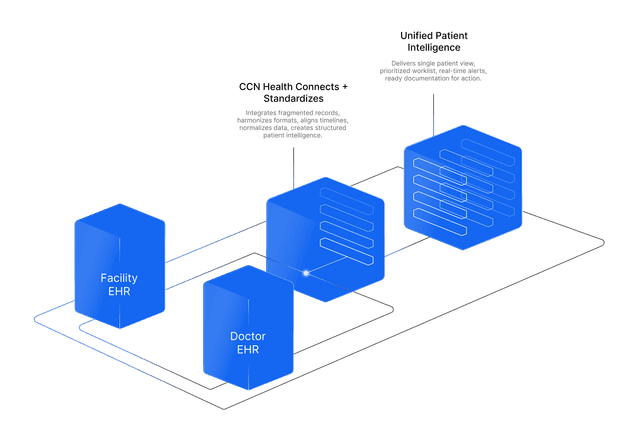
A reading gets taken wherever the patient is: at home on a cellular device with no wifi and no app, by a caregiver using the CCN app, or typed in manually. It travels to CCN Health on its own, gets checked against the patient's thresholds, and posts onto the Charm Health vitals record in real time, with the correct unit and the timestamp of the actual reading in the practice's local time.
How it works
CCN holds an official OAuth-authorized connection to the Charm Health EHR API (ehr.charmtracker.com, tokens issued through accounts.charmtracker.com). Each reading is matched to the patient, deduplicated, and written through the vitals endpoint mapped to Charm Health's configured vital types (BP systolic and diastolic, pulse, SpO₂, temperature, weight, glucose). Before writing, CCN validates the practice's vitals setup: a vital type not yet configured in Charm Health is flagged instead of silently dropped.
The benefit to your practice
Nobody transcribes a reading ever again, and nobody wonders whether monitoring data made it to the chart. The clinician's primary record stays complete and current, and an out-of-range value becomes a nurse alert in CCN instead of a spreadsheet row.
What you get
- Full remote-monitoring set: blood pressure, pulse, SpO₂, temperature, weight, blood glucose
- Posted in real time, so the data lives in the clinician's primary chart with no double entry
- Each reading carries its correct unit and the reading's local-time timestamp
- Vitals-setup validation flags any type not yet configured, so a reading never silently fails to land