A patient takes a reading. For Margaret, that is her blood pressure, right from her couch.
It works the same at home, in a facility, or typed in by staff.
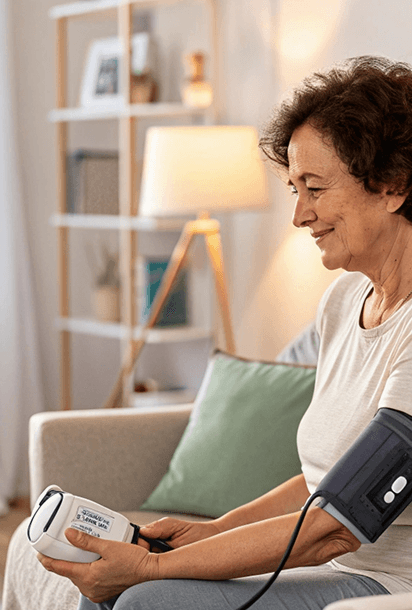
Margaret's reading
128/82
captured just now
At home · a cellular device, no wifi, no app
In a facility · a caregiver with the CCN app
Anywhere · typed in manually by staff
How it works
What happens
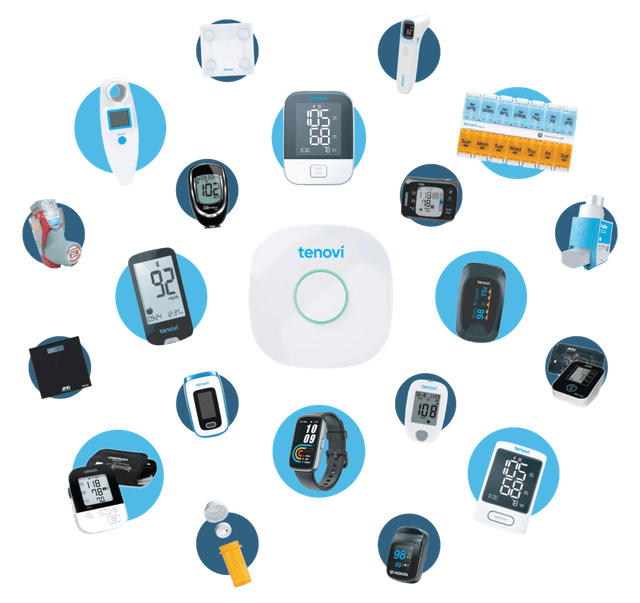
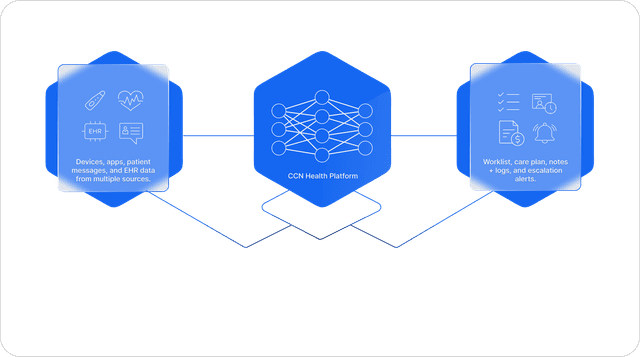
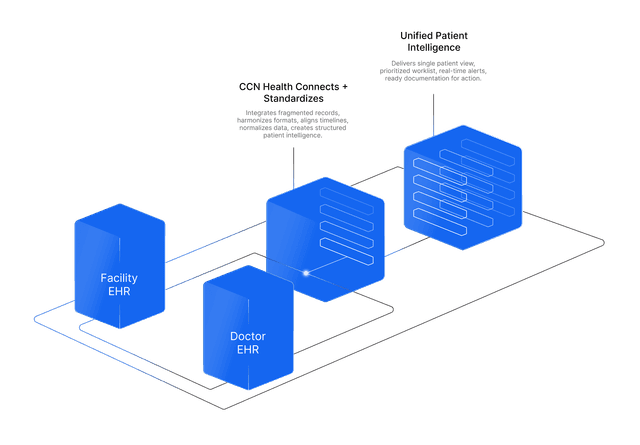
A reading gets taken wherever the patient is: at home on a cellular device with no wifi and no app, in a facility by a caregiver using the CCN app with a shared Bluetooth device, or typed in manually. It travels to CCN Health on its own, and CCN writes it into the patient's Athena Health vitals chart as a clinical observation. The provider sees CCN's monitoring vitals right alongside everything else in the chart.
How it works
Cellular devices report over their own network and the reading webhooks into CCN; app submissions sync directly. CCN matches the reading to the patient, checks for duplicates, checks it against thresholds, then posts it to the chart (POST /chart/{patient}/vitals) marked device generated, mapping each value to Athena's FHIR vital element, for example VITALS.BLOODPRESSURE.SYSTOLIC and .DIASTOLIC, VITALS.WEIGHT, VITALS.O2SATURATION, VITALS.HEARTRATE, VITALS.TEMPERATURE, VITALS.BLOODSUGAR, placed on the correct department and attributed to the right provider.
The benefit to your practice
Nobody transcribes a reading ever again. Thousands of readings a month chart themselves with zero double-charting, an out-of-range reading becomes a nurse alert instead of a spreadsheet row, and your staff work from one complete, current picture of the patient.
What you get
- Readings come from anywhere: a cellular device at home, the CCN app in a facility, or manual entry
- Posted as clinical observations in the vitals charts: BP, weight, SpO₂, temperature, heart rate, glucose
- Checked against thresholds on arrival; an out-of-range reading opens an alert for nurse review
- Real-time, department-correct, and provider-attributed, with no double-charting