Dr. Iyer's panel lives in the Epic chart: 30 patients, records complete.
Demographics, diagnoses, and medication lists, all already in the chart.
 ·Patient Records
Dr. Iyer's panel
30 patients
in the Epic chart
Patient records · Cardiology
+ 28 more under Dr. Iyer
How it works
What happens
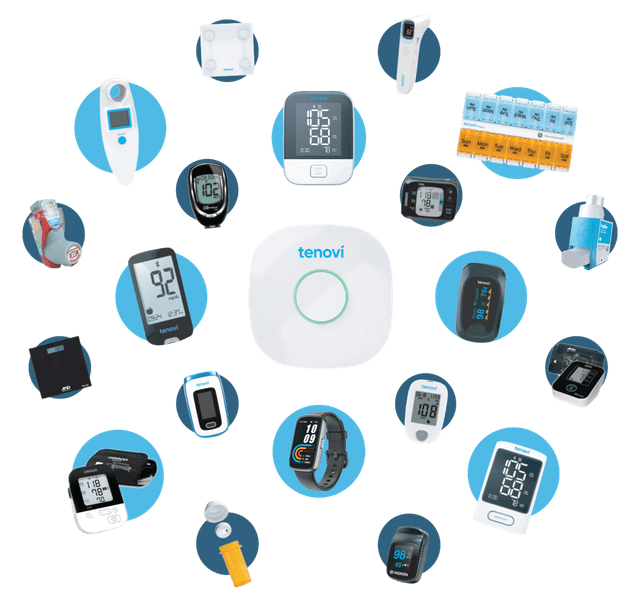
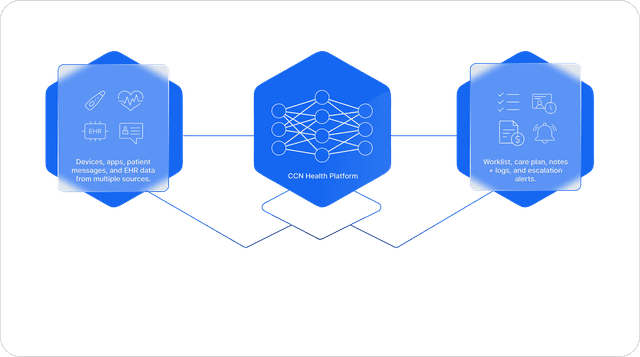
CCN Health connects to your Epic system and reads the clinical context the chart already holds: patient demographics, diagnosis lists, and medication lists. Patients whose diagnoses fit a monitoring program are flagged as eligible, and enrolling them takes a click instead of a data-entry session, because everything relevant is already on the chart. Each enrolled patient is linked to their Epic chart from that moment on, and a cellular device is assigned so monitoring can start right away.
How it works
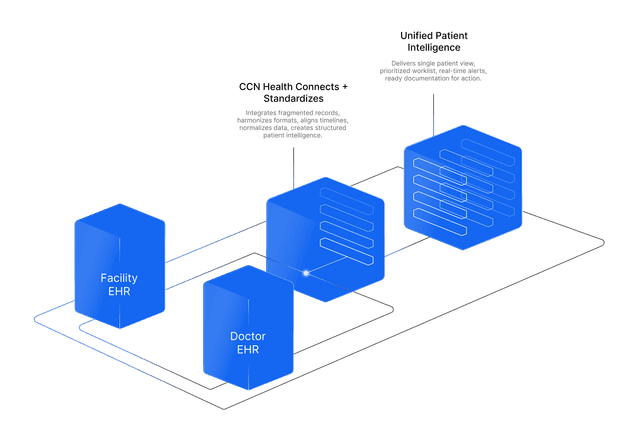
Epic and CCN Health speak the same standards language, HL7 FHIR R4. In FHIR, every person has a Patient resource: a structured record carrying their name, date of birth, identifiers, and contact details in a form any connected system can read. CCN Health reads these Patient resources over the FHIR R4 connection, along with the diagnoses and active medications recorded against them, and uses the diagnosis list to flag who qualifies for monitoring. Because the data arrives structured instead of exported and re-typed, nothing is transcribed, and the link back to the originating Epic chart is stored on every CCN record.
The benefit to your practice
Nobody builds a monitoring panel by hand. The chart already knows who qualifies, so eligible patients surface on their own, enrollment happens in minutes instead of weeks, and the chart link created here is what every reading, alert, and note relies on for as long as the patient is monitored.
What you get
- Demographics, diagnoses, and medication lists pulled over the FHIR R4 connection
- Eligible patients flagged for enrollment from the diagnoses already on the chart
- Enrollment without re-keying: the details come straight from the Epic chart
- Each enrolled patient stays linked to their Epic chart, so every later reading and note lands in the right place